Automating Enterprise Security Compliance: A Guide to Building AI-Driven Questionnaire Apps with ToolJet and Python 3.15

By Abo-Elmakarem Shohoud | Ailigent
The State of Enterprise Compliance in 2026
 Build a Security Questionnaire App With ToolJet MCP
Source: Dev.to AI
Build a Security Questionnaire App With ToolJet MCP
Source: Dev.to AI
As we navigate the final quarter of 2026, the speed of business has reached a point where manual administrative tasks are no longer just a nuisance—they are a significant threat to revenue growth. For B2B software companies, the "Security Questionnaire" remains one of the most tedious bottlenecks in the sales cycle. Every enterprise deal requires a deep dive into your infrastructure, data handling, and compliance protocols. Historically, this meant sales engineers and security teams spending dozens of hours copy-pasting answers from old spreadsheets.
Today, we are moving beyond simple automation into the era of Agentic AI. Agentic AI is a paradigm where AI systems are not just passive responders but active agents capable of planning, using tools, and executing complex workflows to achieve a specific goal. At Ailigent, we’ve seen that companies adopting these workflows are closing deals 30% faster than their competitors.
In this guide, we will build a sophisticated Security Questionnaire App using ToolJet MCP (Model Context Protocol) and the latest features of Python 3.15. This app will maintain an approved answer library, match incoming questions to the closest verified response, and export a formatted PDF ready for the client.
Why Python 3.15 and ToolJet?
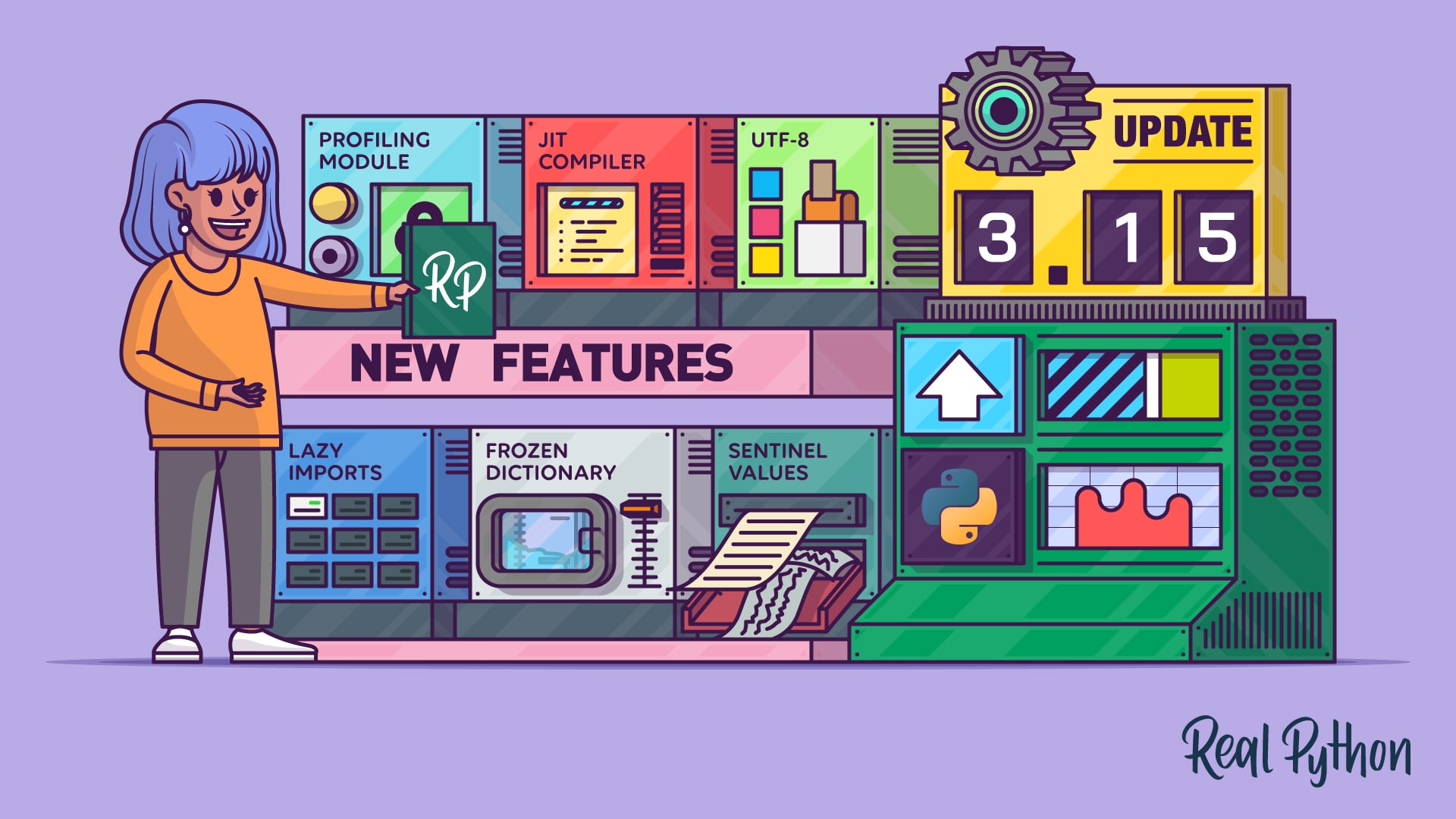
Python 3.15 has introduced several game-changing features that make it the ideal backend for AI automation. Specifically, Lazy Imports allow our automation scripts to start up significantly faster by only loading modules when they are actually called. Additionally, the introduction of frozendict provides a built-in way to handle immutable data structures, ensuring that our security library remains consistent during processing.
ToolJet, on the other hand, provides the low-code infrastructure needed to build internal tools quickly. By using the Model Context Protocol (MCP), ToolJet can now seamlessly connect LLMs to your internal databases and document stores without complex custom integration code.
Prerequisites
Before we begin, ensure you have the following:
- Python 3.15 Environment: Ensure your server or local machine is updated to the latest version to utilize the sampling profiler and optimized error messages.
- ToolJet Account: Access to a ToolJet instance (Cloud or Self-hosted).
- Vector Database: (e.g., Pinecone or Weaviate) to store and search through your security answer embeddings.
- LLM API Key: Access to a modern LLM (like GPT-5 or Claude 4) via an API.
Step 1: Setting Up the Intelligent Answer Library
The foundation of any security automation is a high-quality data source. We need a structured library where each answer has an owner, a review date, and a version number.
Using Python 3.15’s new frozendict, we can define our data schemas to ensure they aren't accidentally modified during the matching process.
from types import MappingProxyType as frozendict
*Source: Real Python*
# Defining a standard security entry in 2026
security_entry = {
"id": "SEC-001",
"question_topic": "Data Encryption",
"approved_answer": "We use AES-256 for data at rest and TLS 1.3 for data in transit.",
"last_reviewed": "2026-09-15",
"owner": "Security Team"
}
Step 2: Integrating ToolJet MCP
ToolJet MCP is a protocol that allows your frontend to talk to your AI models with context. To set this up:
- In your ToolJet dashboard, go to Data Sources.
- Select MCP Connector.
- Configure the endpoint to point to your Python backend where the AI logic resides.
- Define the "Context"—in this case, your security documentation and previous SOC2 reports.
Step 3: Implementing Semantic Search and ReLU-based Matching
When a user uploads a new questionnaire, the app must find the "closest" answer. This is done through semantic search. Interestingly, the efficiency of these AI models often traces back to the ReLU (Rectified Linear Unit) activation function.
ReLU is a mathematical function that outputs the input directly if it is positive, otherwise, it outputs zero. While simple, the "ReLU Revolution" proved that this biological-like simplicity is what allows deep neural networks to scale. We use this principle to filter out irrelevant answers quickly.
| Feature | Manual Process | AI-Driven (2026) |
|---|---|---|
| Search Speed | Minutes/Hours | Milliseconds |
| Accuracy | Human Error Prone | High (Verified Library) |
| Consistency | Varies by Engineer | Uniform across all deals |
| Python Version | Legacy (3.10/3.11) | Python 3.15 (Optimized) |
Step 4: Automating the Response Generation
Once the closest match is found, we don't just paste it. We use the LLM to rephrase the answer to match the specific tone of the customer's question.
In Python 3.15, we can use the new Sampling Profiler to monitor the performance of these LLM calls in real-time, ensuring that our automation doesn't become a resource hog.
# Example of a localized prompt call
def generate_response(customer_q, library_a):
    prompt = f"Given our approved security policy: {library_a}, answer this customer question: {customer_q}"
    # Call LLM via ToolJet MCP
    return mcp.invoke_model(prompt)
Step 5: Exporting to PDF and Final Review
The final step is to take the generated answers and inject them into a template. ToolJet’s PDF component allows you to map the AI-generated text directly into form fields. This ensures the output looks professional and adheres to the customer's requested format.
Troubleshooting Common Issues
- Low Match Confidence: If the AI cannot find a match above 80% confidence, set up a ToolJet workflow to trigger a Slack notification to the Security Officer for a manual update.
- Python 3.15 Compatibility: Some legacy libraries may not support the new
frozendictorsentinels. Ensure yourrequirements.txtis updated to 2026-compliant versions. - Latency: If the app feels slow, enable Lazy Imports in your Python scripts to reduce the initial load time of heavy AI libraries.
Key Takeaways
- Efficiency is King: Automating security questionnaires can save hundreds of man-hours per year, allowing your sales team to focus on closing rather than paperwork.
- Leverage Modern Tech: Python 3.15’s performance improvements and ToolJet’s MCP are the current gold standard for building internal AI tools in 2026.
- Maintain a Human in the Loop: Always include a final review step in your app to ensure the AI-generated answers meet the specific nuances of high-stakes enterprise deals.
By following this guide, you are not just building a tool; you are building a competitive advantage. At Ailigent, Abo-Elmakarem Shohoud and our team believe that the future of work belongs to those who automate the mundane to liberate the creative.