Scaling Generative AI in 2026: A Developer’s Guide to Building and Deploying Controlled Image Microservices

As we navigate the tech landscape of February 2026, the novelty of Generative AI has transitioned into a fundamental requirement for business efficiency. Gone are the days of simple text-to-image prompts that lacked precision. Today, business owners and tech leads demand granular control, scalability, and cost-effectiveness.
 Illustration
Source: Dev.to AI
Illustration
Source: Dev.to AI
In this tutorial, we will explore how to build a professional-grade image generation microservice. We will leverage the cutting-edge Z-image Base foundation model, wrap it in a high-performance FastAPI wrapper, and ensure it is production-ready using Docker.
Learning Objectives
By the end of this guide, you will be able to:
- Understand the advantages of the 6-billion parameter Z-image Base model for creative control.
- Construct a robust API to serve AI models using FastAPI.
- Containerize your application with Docker for consistent deployment.
- Apply optimization logic to handle the data-heavy nature of AI workloads.
1. The Foundation: Why Z-image Base in 2026?
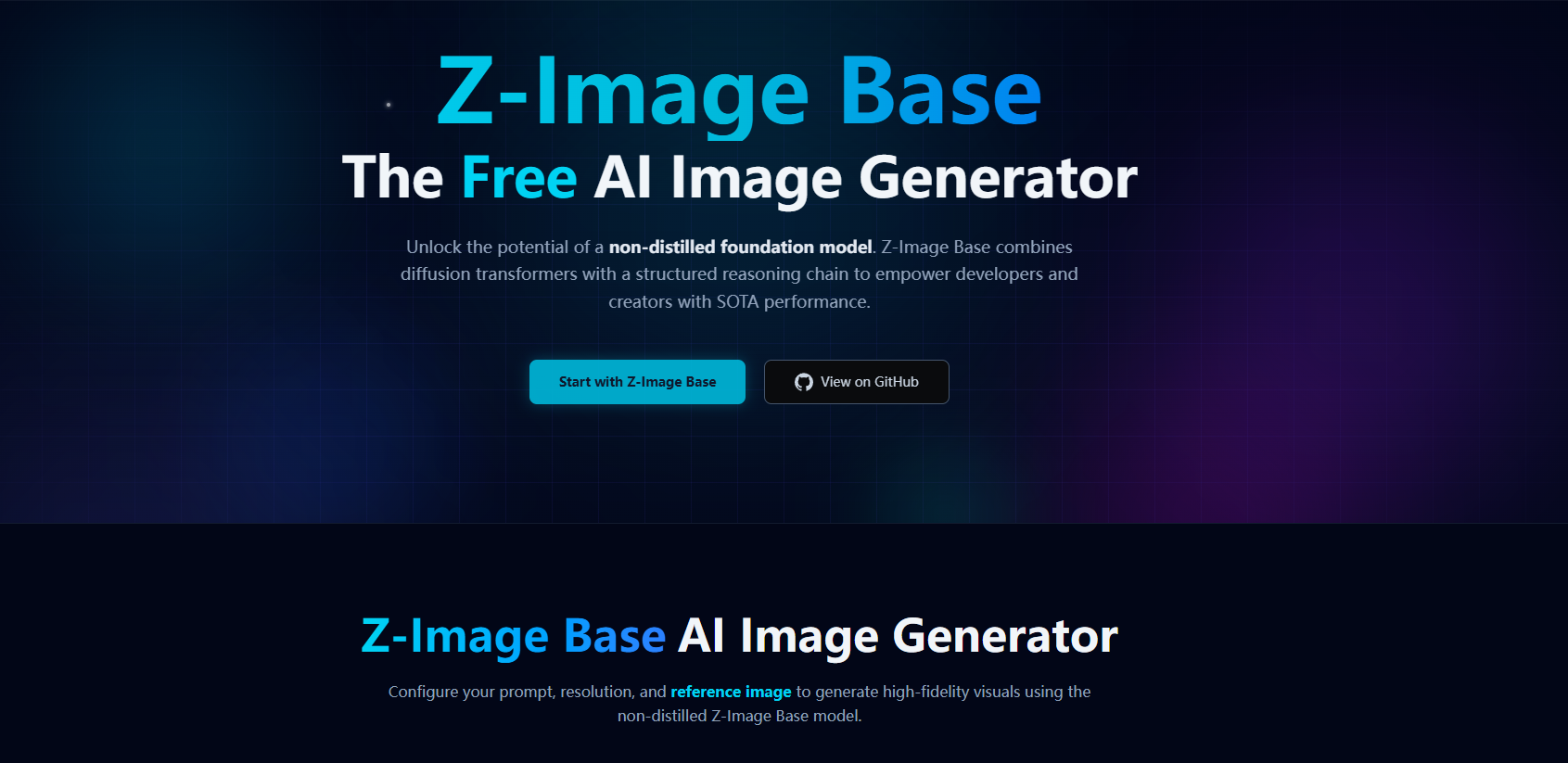
In 2026, the market is saturated with image generators, but Z-image Base stands out. Developed by Alibaba’s Tongyi-MAI, this 6-billion parameter non-distilled foundation model is designed specifically for those who cannot afford to sacrifice quality for speed.
Key Business Value:
- Precision Control: Unlike older models from 2024, Z-image Base allows for extreme creative control, making it ideal for brand-consistent marketing materials.
- Architectural Flexibility: Being a non-distilled model, it retains a depth of knowledge that distilled versions often lose, resulting in fewer artifacts and better prompt adherence.
2. Building the Gateway: FastAPI Integration
To make our AI model accessible to other services (like a mobile app or a web dashboard), we need an API. FastAPI remains the industry standard in 2026 for its speed and native support for asynchronous operations.
Step-by-Step Walkthrough:
- Environment Setup: Ensure you have Python 3.11+ installed.
- Model Loading: We load the Z-image Base weights. (Note: Ensure your hardware has sufficient VRAM, as 6B parameters require a robust GPU setup).
from fastapi import FastAPI, HTTPException
from pydantic import BaseModel
import torch
# Assuming a wrapper library for Z-image Base
from z_image_provider import ZImagePipeline
app = FastAPI(title="CreativeAI Microservice 2026")
# Initialize the 6B parameter model
pipeline = ZImagePipeline.from_pretrained("alibaba/z-image-base")
pipeline.to("cuda")
class ImageRequest(BaseModel):
prompt: str
aspect_ratio: str = "16:9"
creative_strength: float = 0.8

*Source: freeCodeCamp*
@app.post("/generate")
async def generate_image(request: ImageRequest):
try:
image = pipeline.generate(
prompt=request.prompt,
strength=request.creative_strength
)
# Logic to save or stream the image
return {"status": "success", "url": "https://storage.provider.com/output.png"}
except Exception as e:
raise HTTPException(status_code=500, detail=str(e))
3. Shipping for Scale: Dockerizing the Solution
In 2026, a local script is not a product. To ensure your application runs identically on an AWS P5 instance or an on-premise NVIDIA cluster, we use Docker. Containerization eliminates the "it works on my machine" syndrome and is the backbone of modern CI/CD pipelines.
The 2026 Production Dockerfile:
# Use an official CUDA-optimized base image
FROM nvidia/cuda:12.4-base-ubuntu22.04

# Set working directory
WORKDIR /app

# Install system dependencies
RUN apt-get update && apt-get install -y python3-pip git

# Copy requirements and install
COPY requirements.txt .
RUN pip install --no-cache-dir -r requirements.txt

# Copy the application code
COPY . .

# Expose the port FastAPI runs on
EXPOSE 8000

# Command to run the server
CMD ["uvicorn", "main:app", "--host", "0.0.0.0", "--port", "8000"]
4. Advanced Optimization: The PySpark Perspective
If your business grows to handle millions of image generation requests daily, managing the logs and metadata becomes a Big Data challenge. This is where PySpark optimization becomes vital.
Insight from 2026 Big Data Trends: Don't just throw more hardware at the problem. Optimize your logical plans. When analyzing image generation patterns to improve your model's performance, ensure your Spark jobs are minimizing shuffles and leveraging broadcast joins for metadata lookups. This reduces cloud costs significantly—a top priority for CTOs this year.
5. Exercise: Try It Yourself
Challenge: Create a Dockerized FastAPI app that takes a prompt and returns a mocked response.
- Create a
main.pywith one GET endpoint. - Write a
Dockerfileto package it. - Build the image:
docker build -t ai-service:v1 . - Run it:
docker run -p 8000:8000 ai-service:v1
Next Steps for Further Learning
- Quantization: Explore how to run 6B models on smaller GPUs by quantizing weights to 4-bit or 8-bit.
- Kubernetes: Learn how to orchestrate multiple Docker containers to scale your Z-image Base service based on traffic spikes.
- Observability: Implement OpenTelemetry to track the latency of your AI inferences in real-time.
Building AI solutions in 2026 is about the marriage of high-quality models like Z-image Base and the engineering rigor of Docker and FastAPI. By mastering these tools, you are not just generating images; you are building scalable, intelligent infrastructure.
Interested in automating your AI deployments? Contact Abo-Elmakarem Shohoud for expert consultation on AI and Automation workflows.
Related Videos
FastAPI for Beginners - Python Web Framework
Channel: Telusko
🌩️AWS Vs Azure: Which One is Better? | AWS And Azure Comparison | Intellipaat #Shorts #AWS #Azure
Channel: Intellipaat